Security / August 9, 2026 · Updated August 11, 2026
Why project API keys stay on the server
A project key identifies one backend environment. It is not a user session, a browser credential, or an authorization shortcut.

Mohith · 3 min read
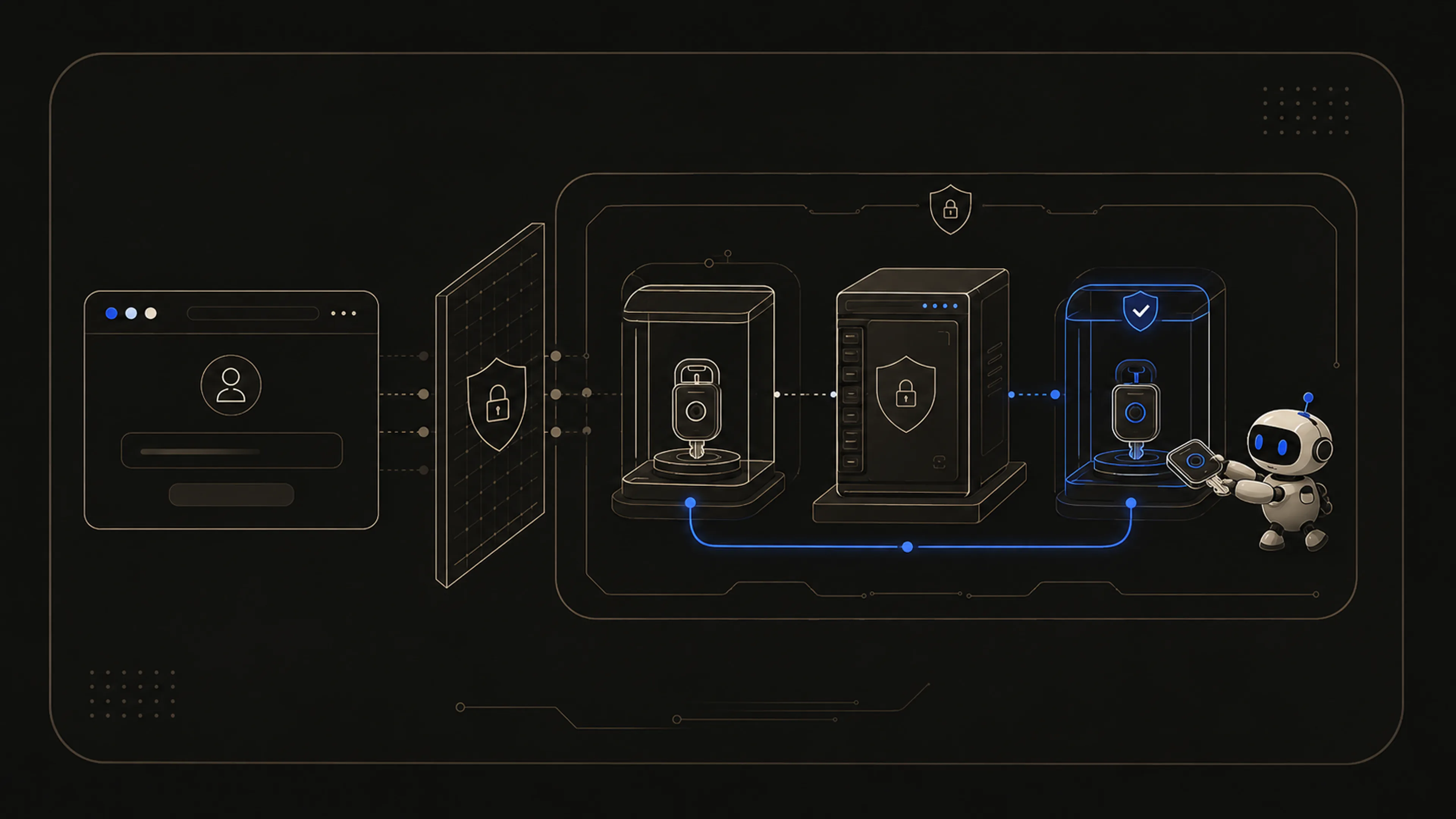
A ZKAuth project key authenticates one backend environment to the engine. It does not identify an end user and it does not replace application authorization. That distinction determines where the key can safely exist.
ZKAUTH_API_KEY=zka_test_********************************ZKAUTH_API_URL=https://api.zkauth.devA project normally needs a test key and a live key. The dashboard calls them key slots because they are environment credentials, not seats, users, or separate projects. Test traffic can remain isolated without copying a production secret into a development environment.
Public boundary
Trusted servers
What a project key can do
- Authenticate server-side requests to the engine for a specific project.
- Separate test and live traffic without asking developers to reuse production secrets during development.
- Carry lifecycle metadata such as creation time, last use, rate-limit/quota state, and revocation status.
- Be rotated or revoked without changing the user's password or proof material.
The browser uses a different path
A project key should never be bundled into a browser app. Browser flows should go through hosted pages, a framework integration, or an app-owned proxy route. If a key can be viewed in DevTools, it is in the wrong place.
This rule does not change when the end user signs in with a passkey, password, OAuth provider, or proof. The user session and project key have different owners and different lifecycles.
Reveal once, operate by metadata
ZKAuth shows raw project key material only after generation or rotation. After that, the dashboard becomes an inventory surface: name, environment, status, last use, usage, quota, and actions. That is intentionally less convenient than showing the secret forever, but much easier to defend.
Server-only means server-only
ZKAUTH_API_KEY like any other production secret. Keep it in server environment variables, secret managers, or ignored development files. Do not paste it into public examples, browser bundles, screenshots, or issue reports.Mohith
Founder, ZKAuth
August 9, 2026
Next post
How we label product readiness